
Reliability · Field note 09
“Offline” only matters when you test the failure.
A restaurant POS can keep an order open without internet and still fail at the printer, payment handoff, reporting, or recovery. Map those boundaries before service depends on them.
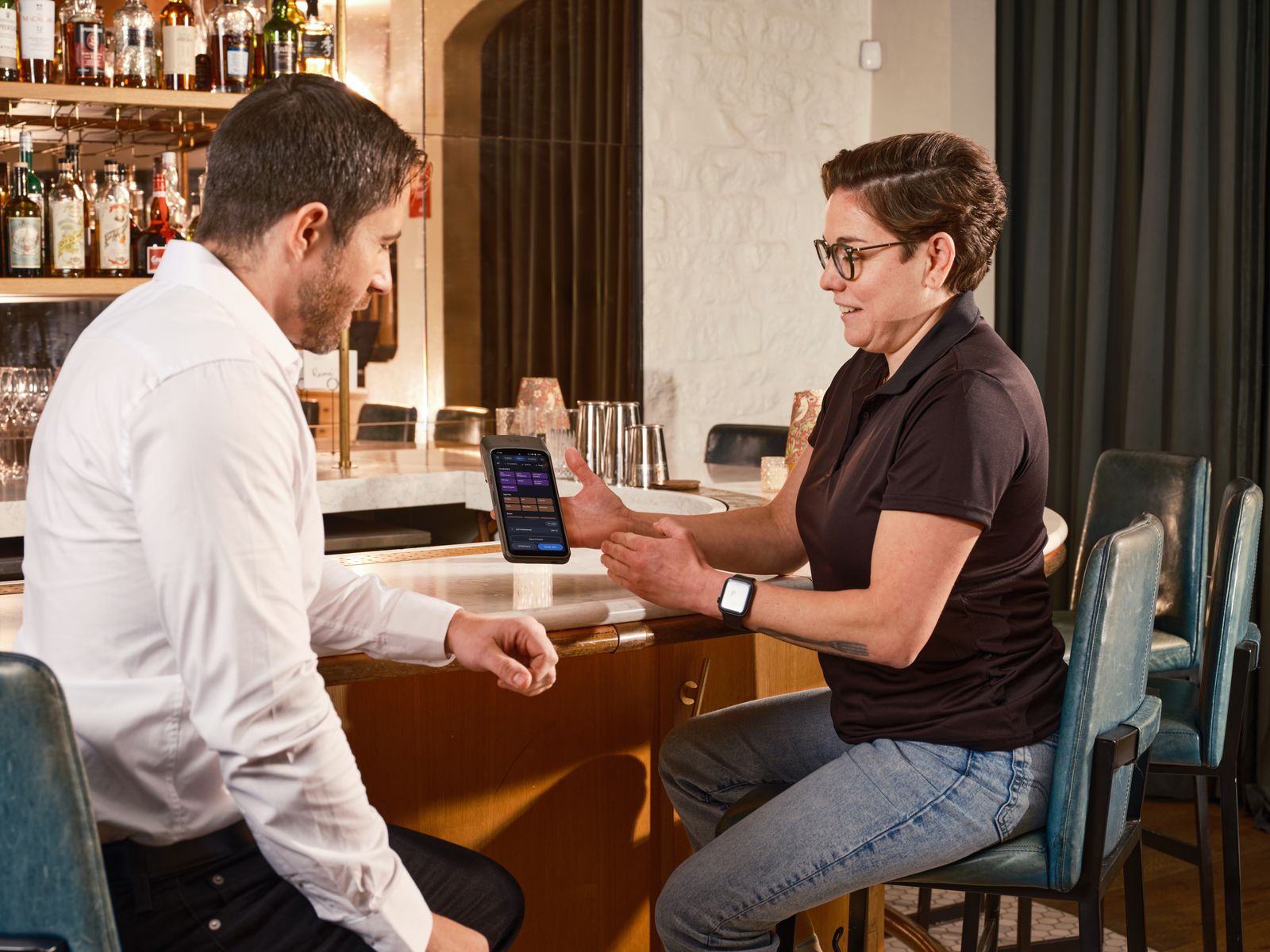
“Offline POS” is not one promise. It can mean that the menu opens without internet, orders remain on the device, a kitchen ticket prints, reports are available, or data synchronizes later. Those are different tests with different failure modes.
Start with the payment boundary
A separate card terminal can simplify the POS choice, but it creates a handoff. The POS records the order; the terminal authorizes the card; staff must connect the two records. Decide which system is the source of truth and how the cashier marks the final tender.
Do not call an order “paid” because a POS receipt printed. Confirm the terminal result, retain its transaction reference, and compare POS tenders with the terminal batch at close. Offline authorization, limits, settlement, and duplicate-payment handling belong to the payment provider.
Run these seven failure tests
- Network loss. Disconnect the internet during a quiet period. Open a real menu, add modifiers, apply a discount, calculate tax, and save the order.
- Payment handoff. Run a cash sale and a separate-terminal card sale. Record where approval, tender, receipt, and transaction reference appear.
- Printer failure. Unplug the receipt and kitchen printers. Check the error state, reprint path, queue behavior, and the staff fallback.
- Device restart. Close and reopen the POS. Confirm open orders, paid status, taxes, and reports are still correct.
- Reconnection. Restore connectivity and document what synchronizes, what remains local, and whether duplicates can be created.
- Backup restore. Restore a backup onto a test device. Time it, verify recent orders and configuration, and write the steps another person would follow.
- Device loss. Repeat from a replacement device. A backup is only useful if the team can use it under pressure.
What to record during the test
Write down the exact device, operating system, app version, printer route, terminal behavior, and staff action for every step. Capture what customers saw, what the kitchen received, what the POS reported, and what the payment provider settled. “It seemed fine” is not an acceptance criterion.
Also test the less glamorous work: multi-register behavior, local network outages, tax changes, refunds, voids, end-of-day reports, exports, and permissions. If inventory, time clocks, or commissions are requirements, verify each one separately; an offline sales workflow does not automatically prove those other systems work offline or across devices.
Where FloCafe may fit
The repository documents FloCafe as a local restaurant application with SQLite storage, ESC/POS printing, and kitchen display workflows. That makes it reasonable to run a controlled trial for an operator who wants local ownership and is prepared to manage setup, updates, backups, hardware, and support. It is not a guarantee of every offline payment or device workflow.
Review the documentation, the self-hosted POS guide, and the security and backup guide. For the wider product family, see the FloPOS ecosystem. Put your actual menu, printers, staff, and external terminal through the test before going live.
Next move
Test the awkward order first.
Use tomorrow’s menu, not a polished demo. The useful result is a written recovery procedure your shift team can actually follow.
No sales call. No card.
Test FloCafe with your real service workflow.
Install it, load a real menu, and run a full service before you trust it with a Friday night.