
Reliability · Field note 07
“Offline” is a claim to test, not a feature to trust.
A small cafe needs more than an order screen that opens without Wi-Fi. Before choosing an offline POS, test the parts that decide whether the shift can keep moving—and whether you can recover afterward.
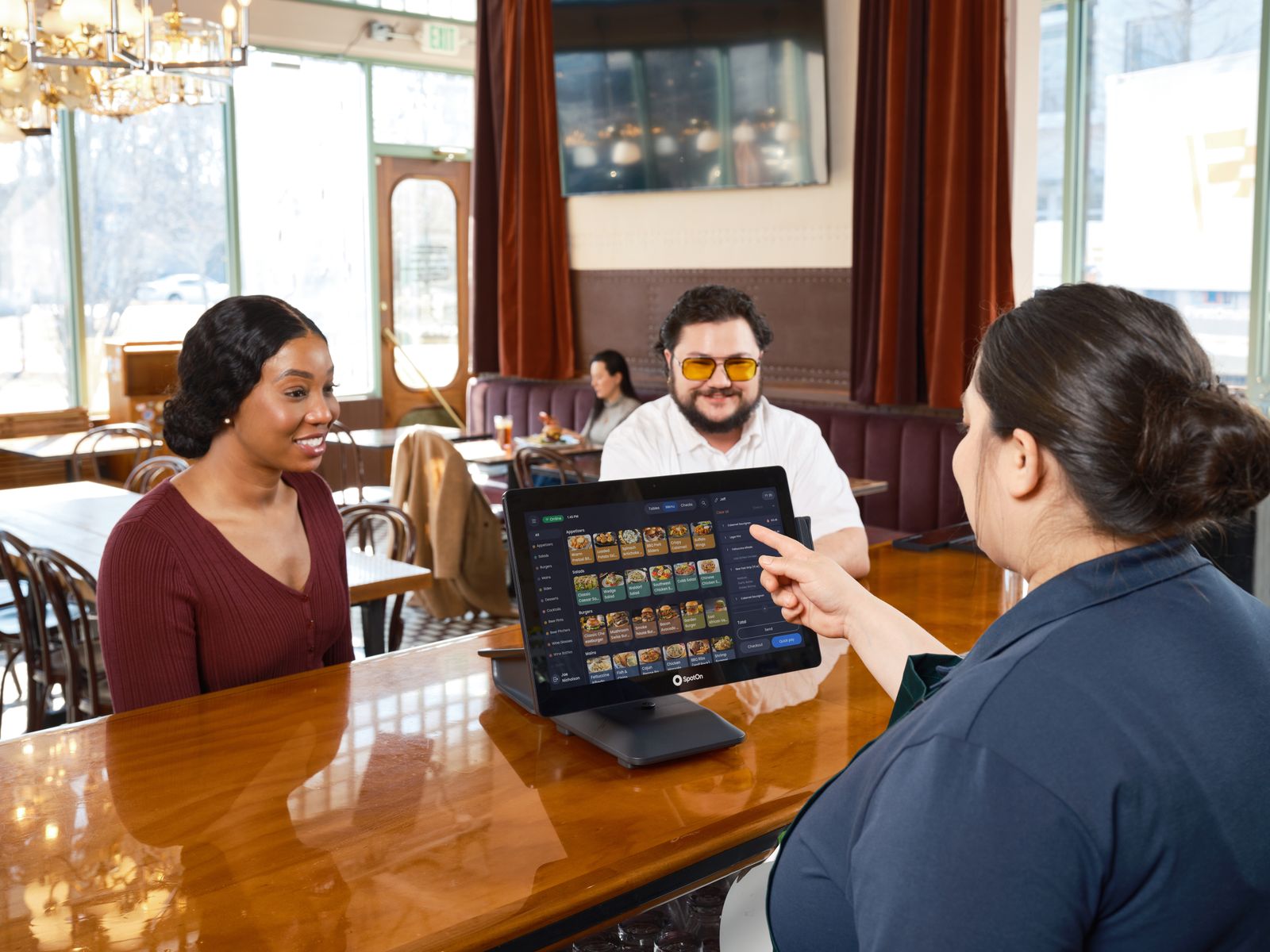
“Offline POS” is not one capability. It can mean local order entry, local data, printing over a local network, reports on the device, or payments that a processor permits while disconnected. A vendor may support one of these and not the others.
The claim checklist
Questions that expose vague promises
Ask the vendor to demonstrate the exact failure you care about, using your hardware. “Works offline” should become a specific answer: order entry works for how long, on which device, with which printers, and with what data after reconnection?
Also ask what does not work. Payment authorization, cloud dashboards, integrations, automatic updates, remote support, and cross-device synchronization may each depend on connectivity. A useful answer has boundaries.
Run a cafe-sized pilot
- Load the top 20 orders from your real menu, including the awkward modifiers.
- Run a morning-rush simulation with two staff members and the devices you plan to use.
- Pull the network, restart the app, interrupt a printer, and complete a cash sale.
- Reconnect and compare orders, tenders, printed tickets, and reports for duplicates or gaps.
- Restore the data to a test device and have someone other than the installer repeat the process.
Write down the pass condition before testing. For example: every paid order has one kitchen ticket, one customer receipt when required, one matching tender, and an available recovery path.
Where FloCafe fits—and where it may not
FloPOS is the wider ecosystem; FloCafe is its restaurant POS product. The repository documents FloCafe as a local restaurant application with SQLite storage, ESC/POS printing, and kitchen display workflows. Those are reasons to run a controlled trial, not a promise that every tablet, printer, operating system, payment provider, or recovery process will work in your cafe.
FloCafe may suit an operator who is comfortable owning setup, backups, updates, hardware testing, and support. If you need a vendor-managed cloud service, a guaranteed payment integration in your market, or contractual uptime and support, include those requirements in the comparison. Review the documentation, installation guide, and offline failure test before making a live-service decision.
Next move
Ask for the failure demo.
The most useful POS demonstration is the one that shows what happens when the network, printer, device, or payment handoff goes wrong.
No sales call. No card.
Test the whole workflow before the rush
Install it, load a real menu, and run a full service before you trust it with a Friday night.