
Reliability · Field note 04
Offline POS is a workflow, not a checkbox.
A restaurant can keep taking orders without the internet and still be unable to authorize a card, print a ticket, or recover a database. Define each dependency before you choose a system.
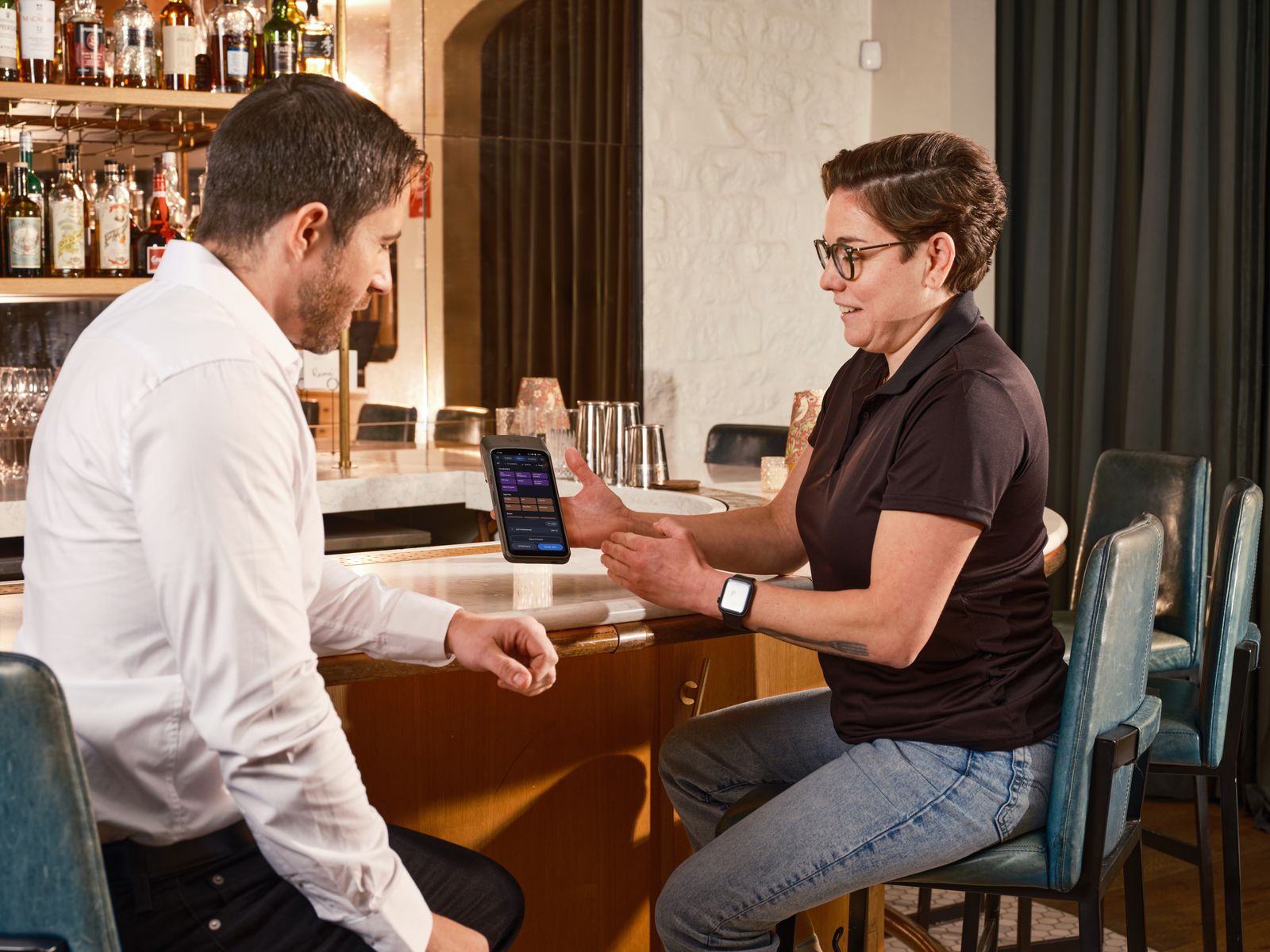
“Offline POS” can mean several different things. It may mean the order screen opens without internet, the database stays on the terminal, receipts still print, reports remain available, or sales synchronize later. Those are separate capabilities.
This matters especially when card payments use a separate terminal. The POS can record an order and the terminal can authorize a card, but the two systems may not know the same payment state. Your staff need a clear handoff and a reconciliation routine.
Break the promise into five questions
Separate terminal means separate truth
With an external card terminal, the cashier should not treat a printed POS receipt as proof that the card succeeded. They need a transaction reference or terminal confirmation, then a deliberate way to mark the order paid. At close, compare POS tenders with the terminal batch and investigate mismatches before they become accounting problems.
Do not assume an “offline” terminal can authorize every card or every amount. Offline authorization, floor limits, fraud controls, settlement, and processor rules belong to the payment provider. Ask that provider what is supported and what happens to an approved transaction if the terminal fails before settlement.
Printers are part of the failure model
A POS that still accepts an order is not operationally healthy if the kitchen never receives it. Test receipt printers, kitchen printers, cash drawers, and kitchen screens independently. Give staff a fallback: a clearly defined reprint path, a temporary paper ticket, or a safe way to pause orders when the kitchen has lost the queue.
FloCafe documents local restaurant workflows including ESC/POS printing, kitchen display, and local SQLite storage. That makes it a candidate for a controlled test, not a guarantee that every printer, operating system, network, or recovery setup will work without validation. FloPOS is the ecosystem; FloCafe is the restaurant POS product.
A useful failure-mode test plan
- Disconnect the internet during a quiet period. Take a real order with modifiers, a discount, and a tax rule.
- Run a cash sale and record an external-terminal card sale. Confirm exactly where each payment is visible.
- Unplug the receipt printer or kitchen route. Check the error state, queue behavior, reprint path, and staff response.
- Close and reopen the application. Confirm the order, payment status, reports, and pending work are still correct.
- Restore connectivity. Verify what synchronizes, what does not, and whether duplicate orders or payments are possible.
- Restore a backup onto a test device. Time the process and write down every step another person would need.
- Repeat the test after a device failure. A backup is useful only if the team can actually use it.
Where FloCafe may fit
FloCafe is worth evaluating when you want a local restaurant POS foundation, open-source code, and freedom from a software license fee. It may not be the right fit if you need a vendor-managed cloud service, guaranteed payment integration in a specific market, or contractual support that your team cannot provide.
Before production, use the documentation, review the self-hosted POS guide, and test your exact hardware and payment process. Also plan access, updates, and backups; offline operation increases the importance of local recovery discipline.
Next move
Run the test with tomorrow’s menu.
Use real modifiers, real printers, real staff roles, and the payment workflow you will use at the counter. A generic demo cannot expose your failure modes.
No sales call. No card.
Test FloCafe with your real service workflow.
Install it, load a real menu, and run a full service before you trust it with a Friday night.