
Support · Incident guide
During a rush, POS support starts with keeping service moving.
A good escalation path captures the right information, names ownership, offers workarounds, and follows through after the shift. Panic is not a support process.
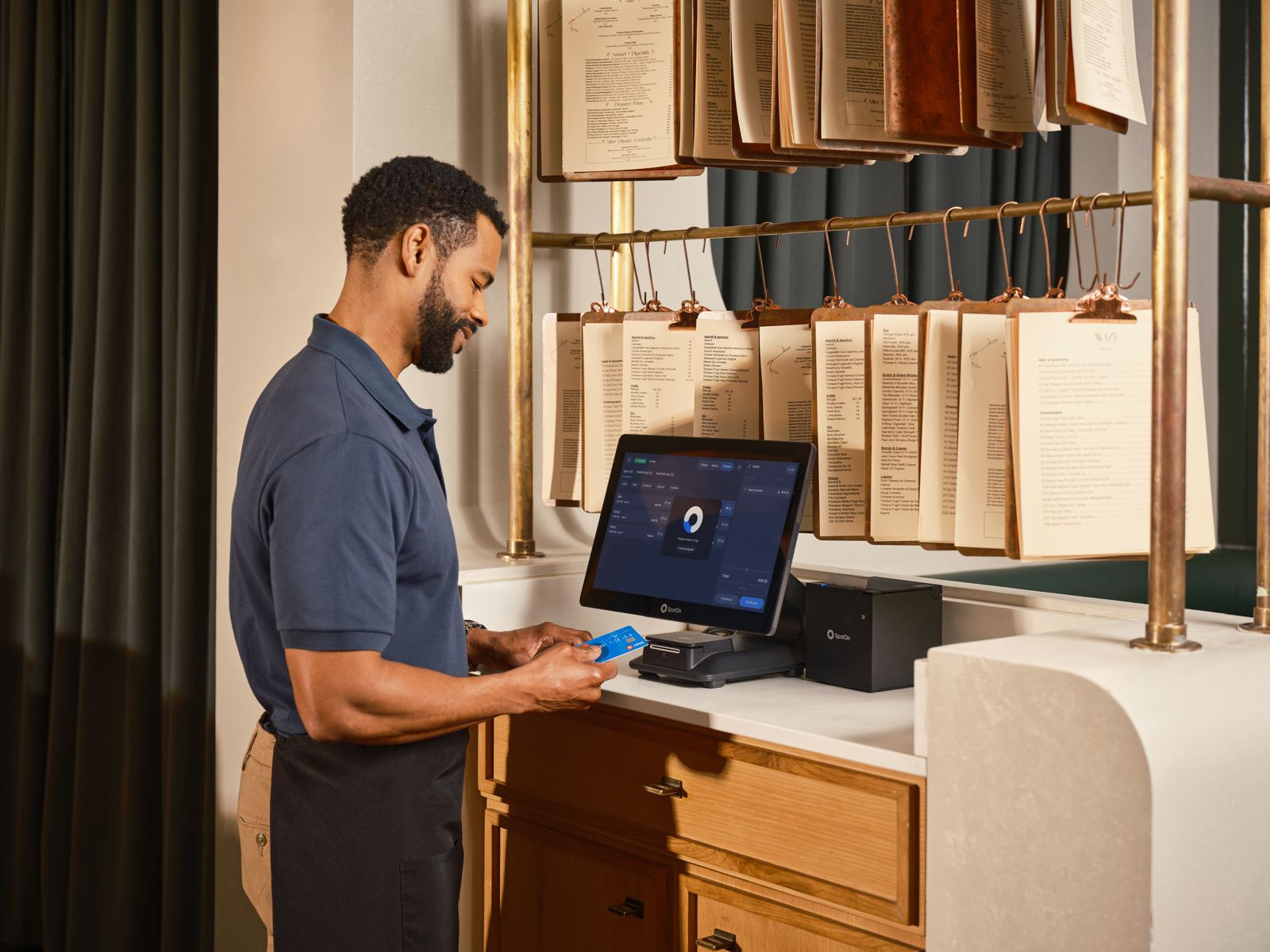
When the POS misbehaves at 8:15 p.m., the restaurant has two jobs. First, keep taking care of customers safely. Second, capture enough detail that the problem can be fixed instead of merely survived. Good support escalation respects both jobs.
The first response should not be a vague message saying “POS down.” It should identify the failure boundary: orders, payments, printers, kitchen display, login, reports, backup, device, network, or a specific workflow.
Use severity levels
Severity helps the support team and the restaurant make the same judgment. A receipt logo problem and a dead kitchen printer should not enter the same queue with the same urgency.
What a useful ticket includes
- Restaurant name, location, and contact person on duty.
- Time of incident and whether service is currently blocked.
- Device, operating system, app version, printer or terminal details if relevant.
- Exact action that failed: “tapping pay on table 12” is better than “billing broken.”
- Screenshot, photo, receipt, error message, or short screen recording if safe.
- What changed recently: update, menu edit, network change, new printer, staff permission change.
- Workaround currently in use and the business risk it creates.
Support and offline resilience
Offline capability changes the support conversation. If the application can keep taking local orders while the internet is unavailable, support can focus on payment terminal behavior, printer routing, backup state, or post-service reconciliation instead of immediate total shutdown.
That does not mean support becomes optional. Local-first systems still need updates, logs, recovery plans, device ownership, and clear communication when something fails.
FloCafe support workflow
FloCafe includes in-application ticket creation with follow-up over email. That is useful because an issue can be reported from the operating context and continue as a written thread after the rush. Operators should still capture screenshots, device details, and steps to reproduce where possible.
Because FloCafe is open source and local-first, restaurants should be honest about their own support model too. Who on the team can restart the device, switch to a spare, restore from backup, check the printer, and reconcile external payments? Vendor or community support is stronger when the restaurant has basic incident ownership.
Copy-ready incident report
Location: ___
Severity: ___
Started at: ___
Service impact: ___
Device/app version: ___
Workflow affected: ___
Steps before failure: ___
Error or screenshot: ___
Recent changes: ___
Workaround in use: ___
Help needed before: ___
After the shift
Do a short post-incident review while memory is fresh. Was the issue a product bug, configuration mistake, hardware failure, network problem, training gap, or payment-provider issue? Did staff know the workaround? Did any orders, payments, or kitchen tickets need correction? Does the runbook need one new line?
A restaurant support process should get calmer over time. Each incident should leave behind a clearer procedure, a better test, or a product issue that can be reproduced.
Next move
Write the incident template before the incident.
The right support message during service is short, specific, and calm because the structure already exists.
No sales call. No card.
Use FloCafe support with clear incident details.
Install it, load a real menu, and run a full service before you trust it with a Friday night.