
Cost · Buyer guide
All-in-one POS pricing is simple until the second invoice.
Bundled restaurant POS software can be worth paying for. The mistake is comparing only the monthly subscription while ignoring processors, modules, hardware, export rights, support, and switching costs.
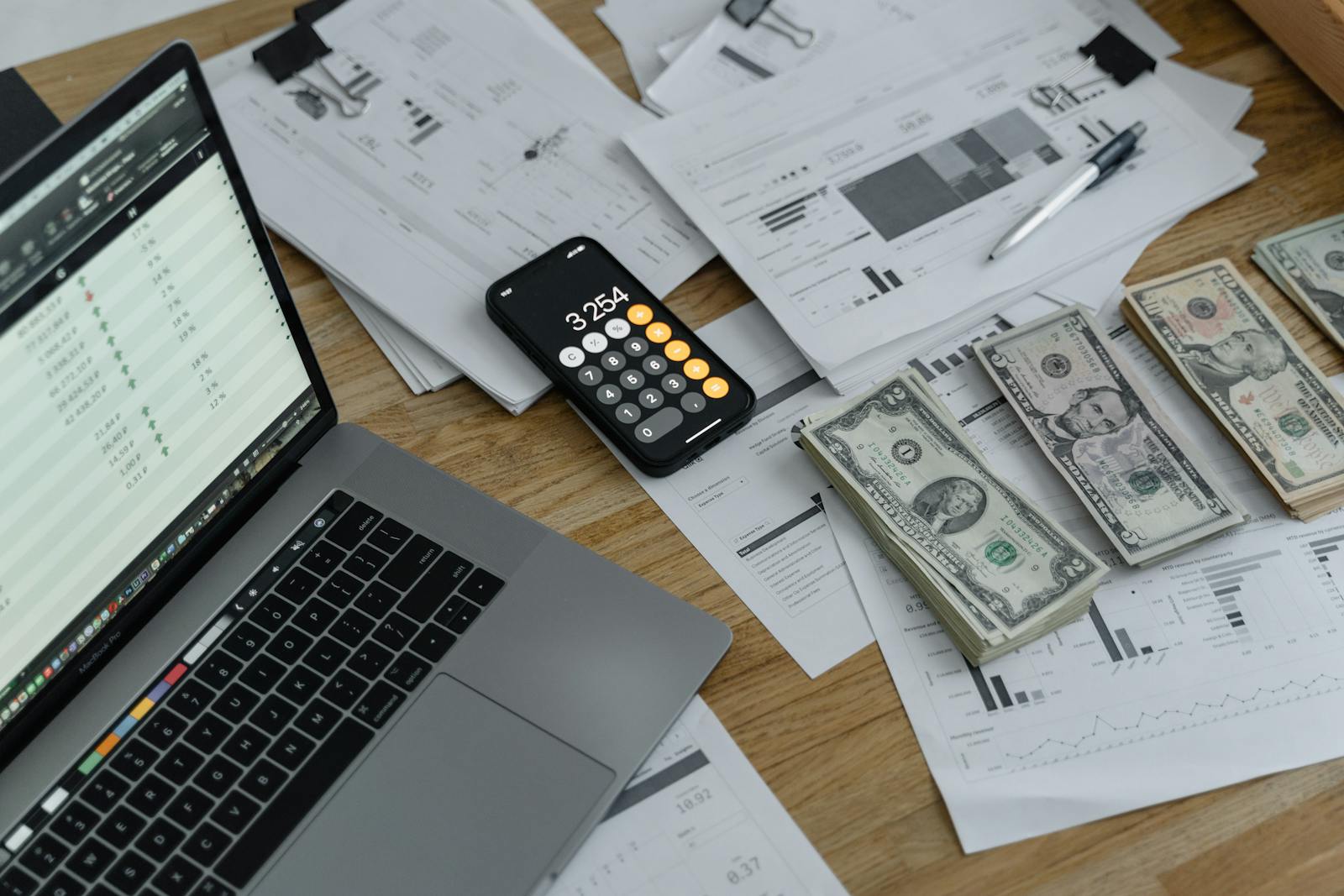
An all-in-one POS bundle solves a real problem: one vendor, one stack, one support path, and fewer decisions for the owner. For many restaurants, that convenience is rational. The risk is that the clean quote hides costs that only appear after the restaurant depends on the system.
Do the comparison over three years. A low entry price can change once you include required devices, onboarding, extra modules, payment markup, online ordering, support tiers, contract terms, and the cost of leaving.
The three-year worksheet
Processing can outweigh software
Restaurants often negotiate the visible subscription and accept the payment terms too quickly. A small percentage difference can matter more than the monthly software line if card volume is high. Ask for the effective rate using a real month of transactions, including card mix, fixed per-transaction fees, refunds, chargebacks, and any non-qualified pricing.
If the POS requires a specific processor, compare convenience against the loss of negotiation power. If the POS lets you use a separate terminal, include the manual reconciliation labor honestly.
Modules make totals drift
Inventory, online ordering, loyalty, gift cards, reservations, staff scheduling, marketing, accounting sync, multi-location controls, and advanced reporting may not be in the base plan. None of those modules are bad by default. The problem is buying under one assumption and operating under another.
Build a must-have list before seeing demos. Mark each feature as included, paid add-on, third-party integration, manual workaround, or unavailable. That forces the quote to match the restaurant you actually run.
Free hardware is rarely free
Hardware included in a bundle may be discounted, financed, leased, or tied to processing and contract length. Ask who owns it, what happens if you cancel, whether it works with other software, and how replacements are priced. Also ask what happens when a printer or terminal fails during service.
Where open source changes the equation
Open-source software changes the cost model by removing license fees and giving the operator more control over deployment and data. It does not remove the cost of setup, hardware, staff training, backups, payment processing, security, and support ownership.
FloPOS is a free, open-source restaurant POS ecosystem shaped by years of POS-market experience. FloCafe, the restaurant product, can be a strong fit for teams that value local operation, source access, flexible payment modes, and no software subscription. It is not a direct replacement for a managed all-in-one payments bundle when direct payment integration is mandatory.
A worked comparison pattern
- Calculate subscription and module fees for 36 months.
- Add hardware purchase, lease, replacement, and warranty assumptions.
- Apply the payment rate to one real month, then multiply by realistic volume growth.
- Add onboarding, support, menu setup, and integration costs.
- Estimate staff training and manager time for the switch.
- Write down what it costs to export data and leave.
The best POS decision is rarely “free versus paid.” It is managed convenience versus operating control, bundled payments versus processor choice, and polished integrations versus ownership responsibility. Put those tradeoffs into numbers before the sales conversation does it for you.
Next move
Price the system you will actually run.
Use real transaction volume, real hardware, and the modules your team will need after launch week.
No sales call. No card.
Compare FloCafe against your real three-year POS cost.
Install it, load a real menu, and run a full service before you trust it with a Friday night.